EXPLORING ACCESS
Completion requirements
1. WORKING WITH ACCESS
1.9. DELETING A DATABASE OBJECT
You can delete any object (table, query, form, report) in the Navigation Pane by
selecting it and pressing the Delete key. You can also click the Delete button on
the Home tab. Click Yes for the prompt.
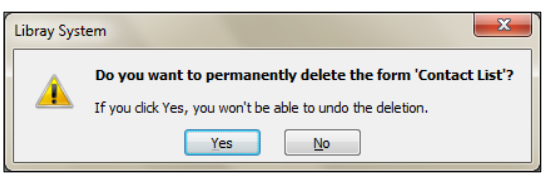
When you delete a table, you delete all the data in the table. You cannot undo the
delete operation.
Practice the Concept: Display the Forms object list. Select the Asset Details
form object, if necessary, and then double-click it to display the form in Form view.
Close the Asset Details form window. Delete the Asset Details form.
Display the Reports object list. Double-click the All Assets object to display it in
print preview mode. Close the All Assets report window without saving changes, if
prompted.